Scheduled Tax Rate Updates
Installation
Requirements
- PHP 7+
- SSH access to run commands as the owner of the web files.
You can install the module either with Composer (recommended) or via FTP/SFTP transfer.
Composer installation (recommended)
If you install the module with Composer, you can easily update it with just a single command. Get Composer.
The complete guide is available under My Downloadable Products in your customer account. It is tailored to your licence and contains the address of our Composer repository, the package name and the matching credentials.
Composer asks for a username and password along the way. Use the credentials shown with this very licence — credentials from another order do not give access to this package. If you run several of our extensions in one shop, combine your licences into a Composer project: one set of credentials then covers all packages.
Installation via FTP/SFTP
- Upload the contents of the .zip package (the "app" folder) into your Magento root directory ("app" ⇒ "app").
Finish the Installation
You need to do this for all installation methods (Composer and FTP/SFTP).
Enter the following commands and press Enter
bin/magento maintenance:enable
bin/magento module:enable Geissweb_TaxRateSchedule
bin/magento setup:upgrade
bin/magento setup:static-content:deploy
bin/magento maintenance:disable
The installation process is now complete.
Extension Configuration
There is currently no system configuration for this extension.
Usage
Navigate to "Stores -> Scheduled Tax Rate Updates".
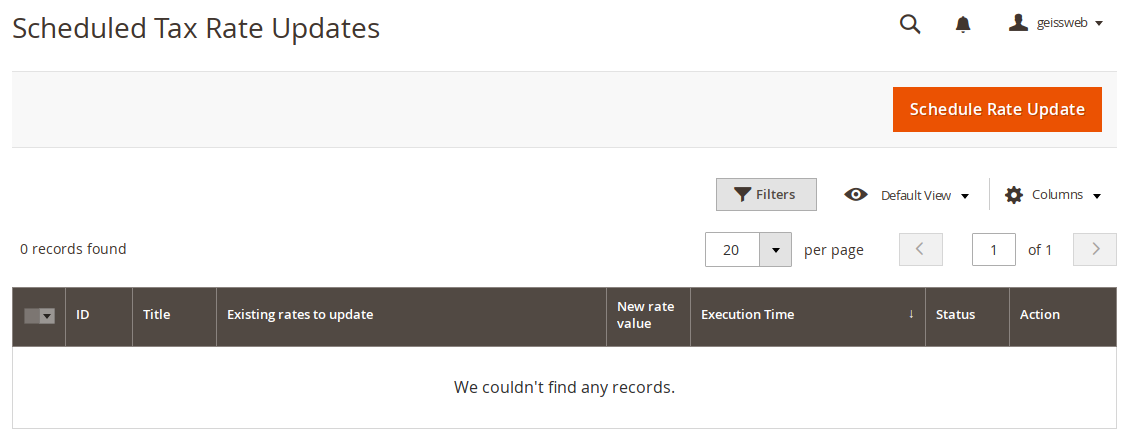
To create a new scheduled update, click the "Schedule Rate Update" button.
 ### Create a scheduled update
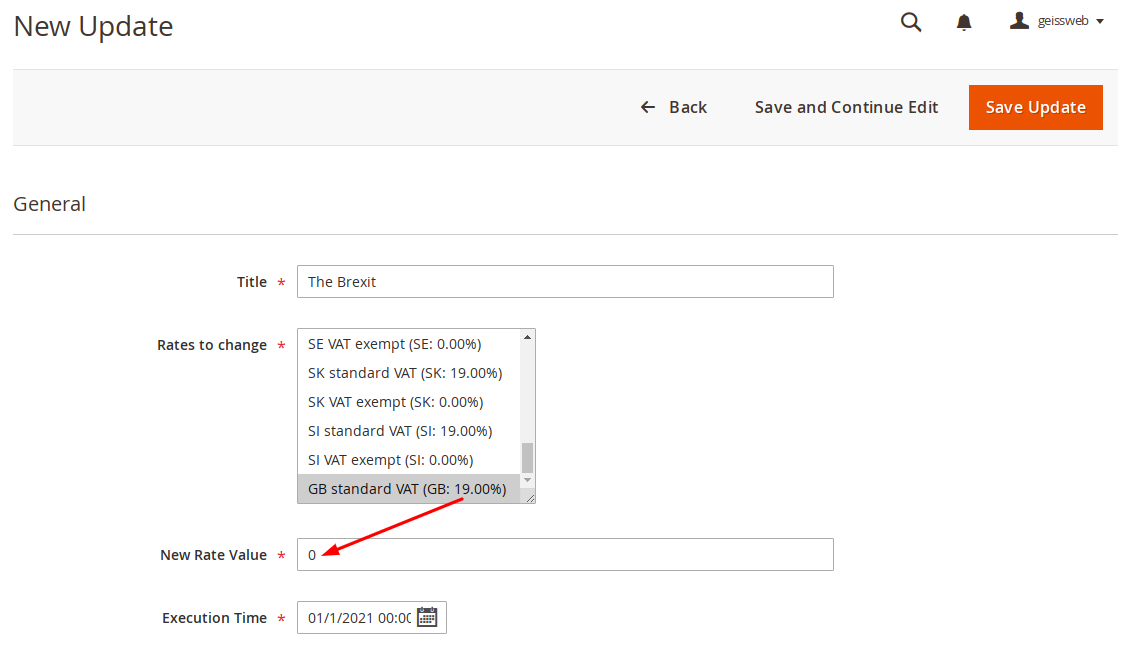
Give the update a meaningful title so that you can better remember what purpose the update is intended for.
Then select the tax rates to be updated and set the new tax rate. Finally, choose the exact time at which the update should run and click "Save Update".
 ### Overview of scheduled updates
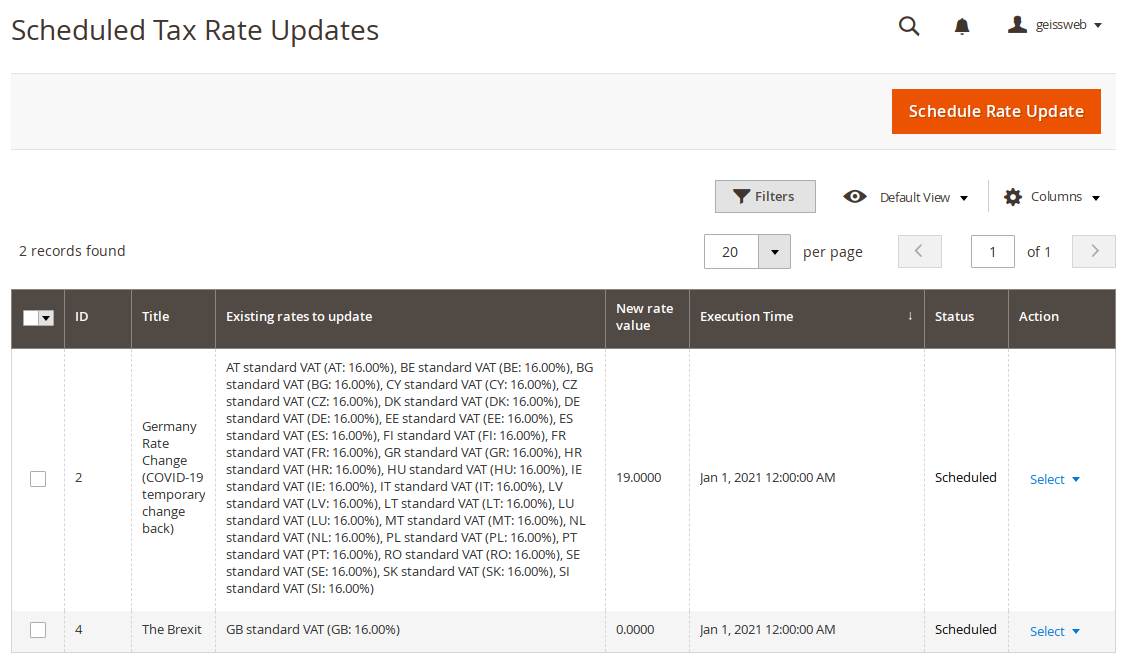
All updates are displayed in this table.