General
The General group defines the invoice profile. The storage location of the generated files is configured in its own File Storage group.
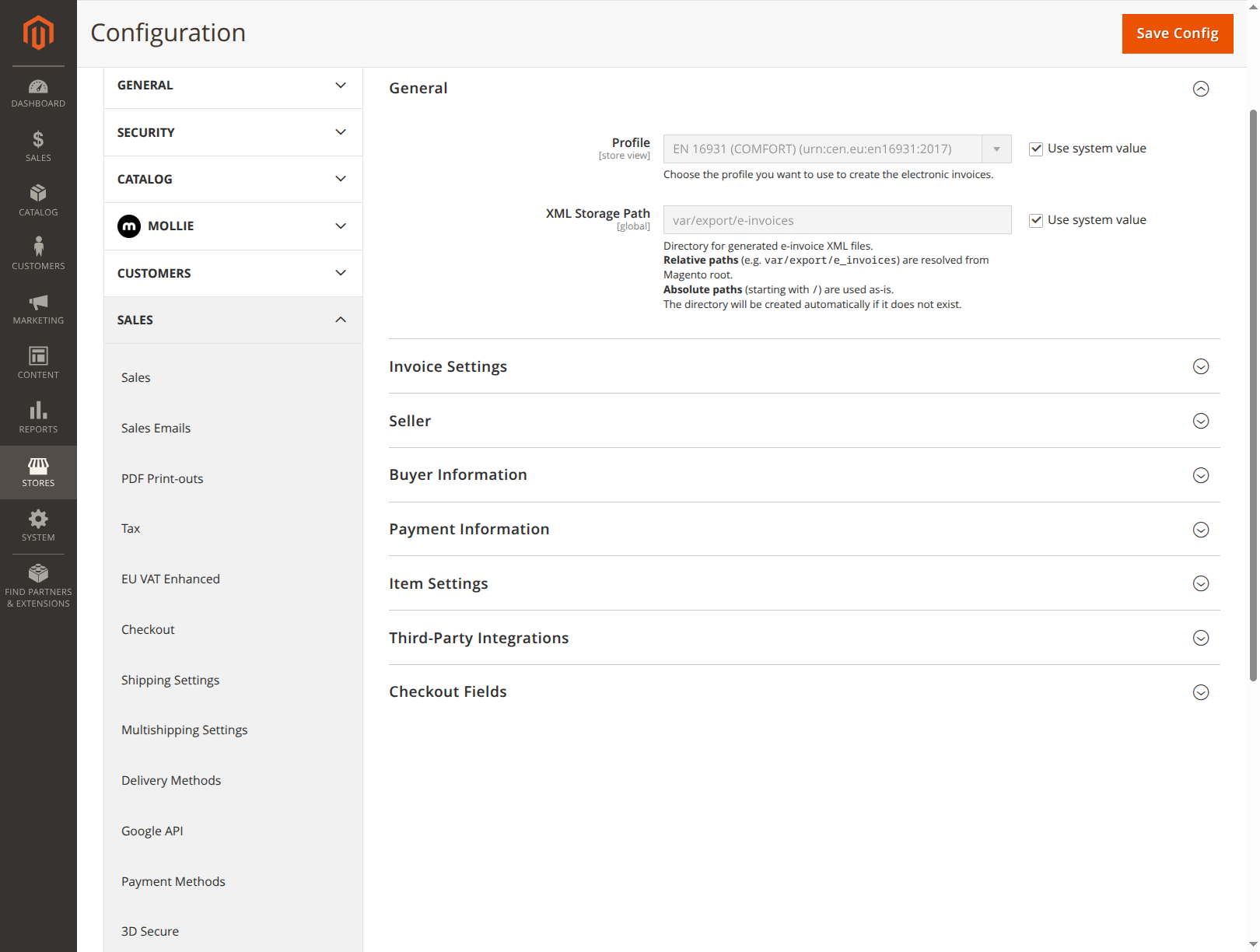
- Profile (
general/profile, default: EN 16931 (COMFORT)): Determines the scope and business rules of the generated invoice. Available are BASIC, EN 16931 (COMFORT) as well as XRechnung 2.2/2.3/3.0. A decision guide is available under Formats & Profiles.
File Storage
Controls separately for XML and PDF whether the generated files are written to disk and where.
XML storage
- Save XML to disk (
file_storage/xml/save_to_disk, default: Yes): When set to No, the generated XML is not stored permanently. Download and email attachment still work, because the file is regenerated on demand. - XML Storage Path (
general/storage_path, default:var/export/e-invoices): Directory for the generated e-invoice XML files. Only visible when saving is enabled.
PDF storage
- Save PDF to disk (
file_storage/pdf/save_to_disk, default: No): Additionally stores the generated ZUGFeRD PDF. Requires embedding the XML into the PDF to be enabled under Invoice Settings. - PDF Storage Path (
file_storage/pdf/storage_path, default:var/export/pdf-invoices): Directory for the generated ZUGFeRD PDF files. Only visible when saving is enabled.
The following applies to both paths:
- Relative paths (e.g.
var/export/e-invoices) are resolved from the Magento root directory. - Absolute paths (starting with
/) are used unchanged. - The directory is created automatically if needed.
The files are named according to the pattern invoice_<invoice number>.xml or creditmemo_<credit memo number>.xml, e.g. invoice_000000123.xml.