Usage
Depending on the configuration, the extension works largely automatically. In addition, there are manual options for processing the electronic invoices – in the admin area and in the customer account.
In the admin area
After an invoice has been created in Magento, the following actions are available in the invoice view (Sales → Invoices or via the order), depending on the configuration:
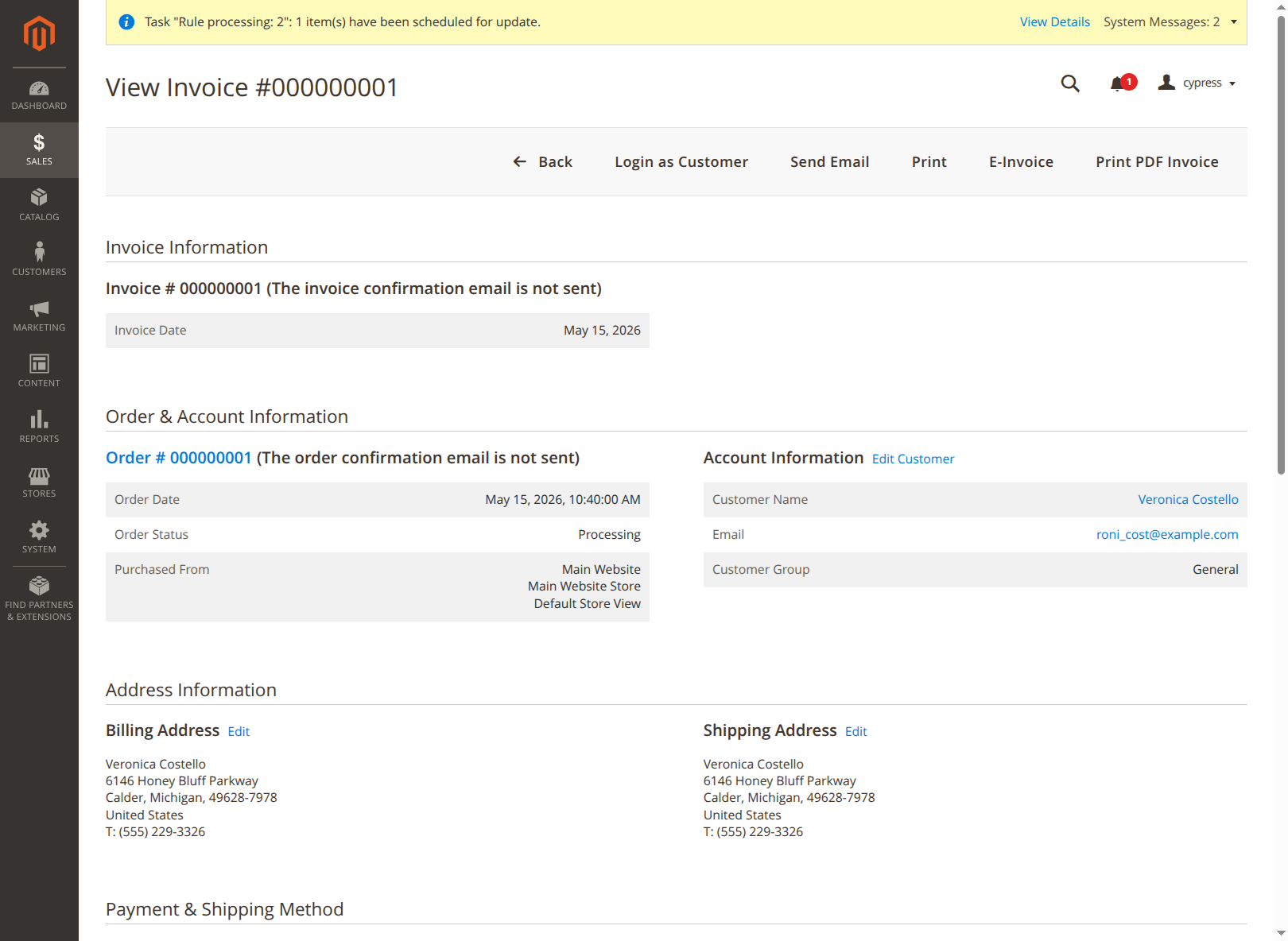
- Output/download the XML invoice via the E-Invoice menu item.
- Print the PDF in ZUGFeRD format (XML embedded in the PDF) via the regular Print menu item – provided "Embed e-invoice XML in PDF" is active.
- Email dispatch of the PDF invoice via Send Email. With the appropriate configuration, the XML invoice is attached to the email.
Which of these actions appear or take effect depends on the Invoice Settings.
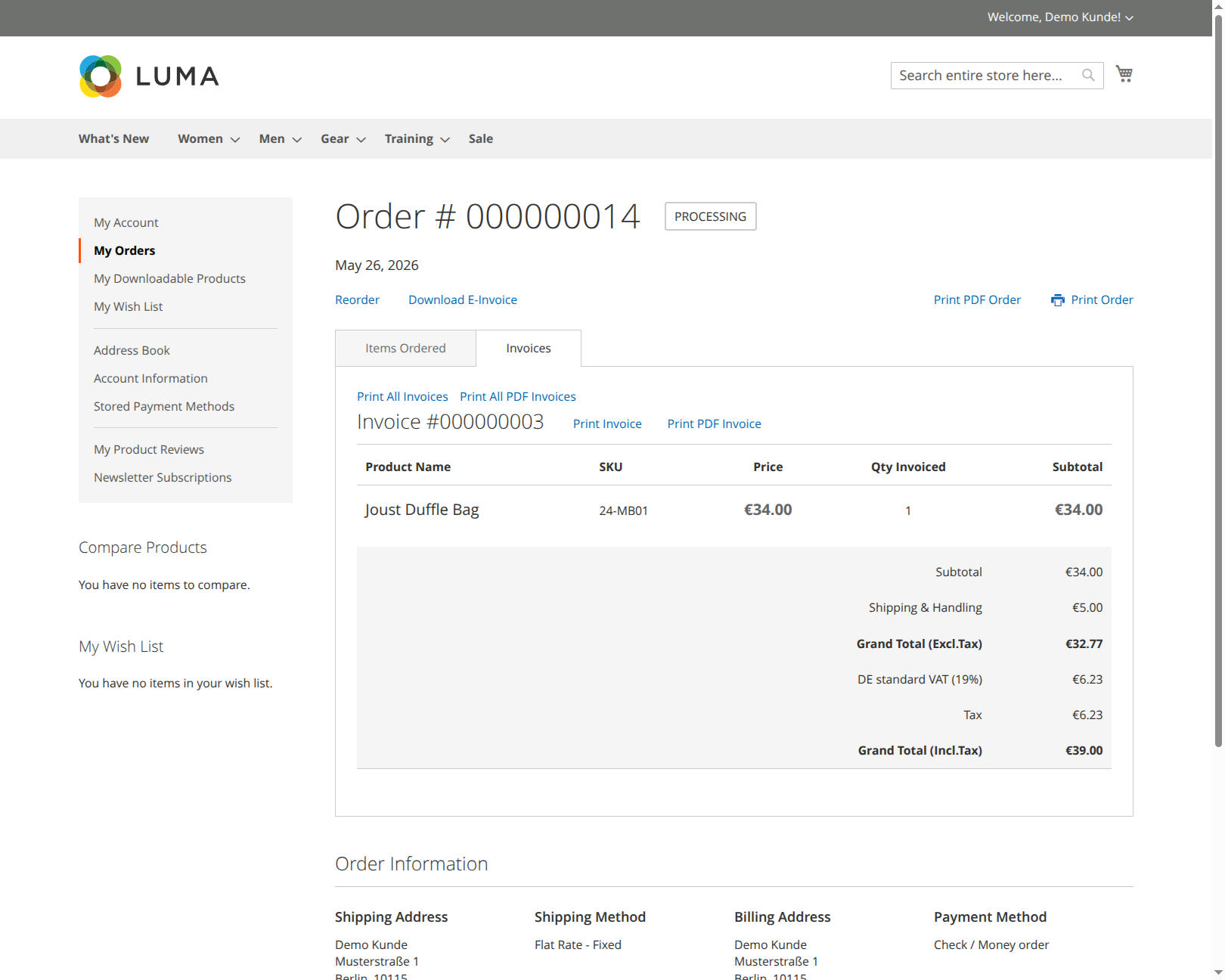
In the customer account
In the customer account, the customer can download the XML invoice(s) for an order. If there are multiple invoices for an order, a ZIP file containing all XML invoices is delivered.