Item Settings
The Item Settings group controls how variants of configurable products appear in the electronic invoice.
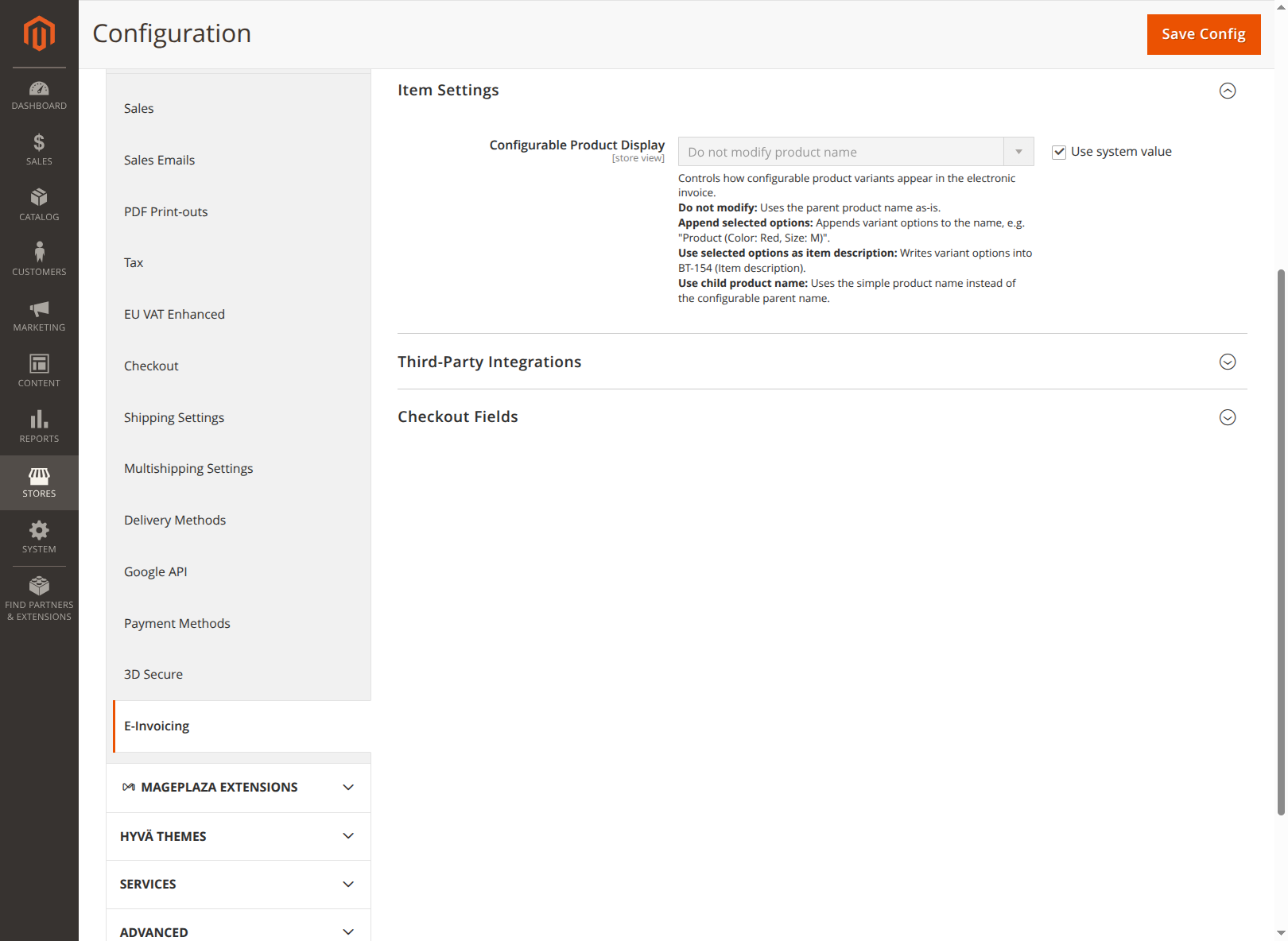
Configurable Product Display (item/configurable_product_display, default: Do not change product name):
| Option | Effect |
|---|---|
| Do not change product name | Uses the name of the parent product unchanged. |
| Append selected options to product name | Appends the variant options to the name, e.g. "Product (Color: Red, Size: M)". |
| Use selected options as item description | Writes the variant options into BT-154 (item description). |
| Use child product name | Uses the name of the simple product instead of the name of the configurable parent product. |